Salesforce Data 360: A Practical Guide
Learn how Data 360 connects data, builds unified profiles and makes information useful across Salesforce, business systems and AI experiences.
01 What Is Salesforce Data 360?
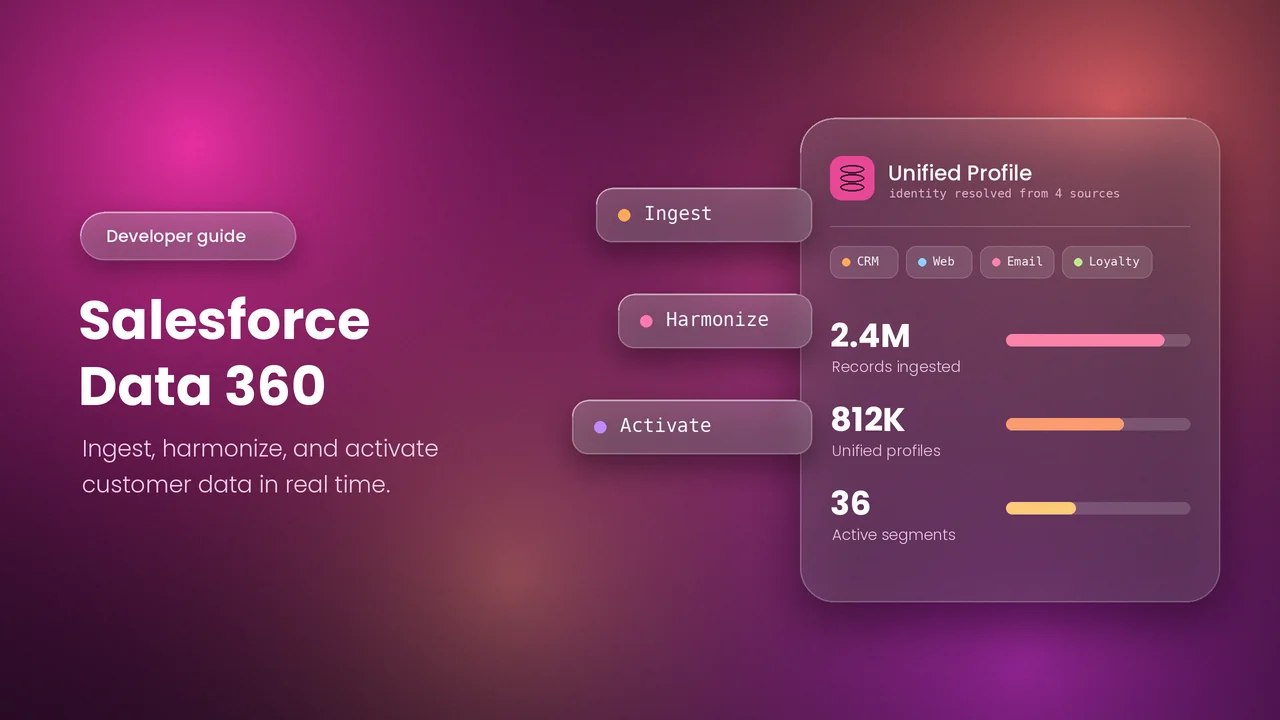
Salesforce Data 360, formerly Data Cloud, is a data platform that connects information from Salesforce and external sources. It helps teams organize data, unify profiles and use that data in business processes.
- Connect: Bring in data or access it through supported federation connections.
- Harmonize: Map source data into a common structure.
- Unify: Link matching customer profiles using identity resolution.
- Analyze: Create insights and audience segments.
- Activate: Make data available to supported destinations, workflows and AI experiences.
02 Is Data 360 Still Required in the AI Era?
Data 360 is useful when AI and business teams need trusted information from multiple sources. It is not necessary for every Salesforce or AI requirement.
- AI responses depend on the quality and relevance of the information available.
- Unified profiles can give Agentforce more customer context.
- Supported search indexes and retrievers can make documents and other content available for AI grounding.
- Data 360 can help teams apply access controls and use consistent data across channels.
Choose it for a clear need: Assess the data sources, required features and entitlements. Agentforce requirements vary by feature; avoid assuming every agent needs a full Data 360 implementation.
03 When Was Data 360 Introduced, and Why?
Data Cloud was renamed Data 360 on 14 October 2025. This was a rebranding of an existing platform, not the first launch of its data capabilities.
- The platform evolved from Salesforce’s earlier customer data products.
- It addresses data spread across disconnected systems.
- It creates a shared structure for customer and business information.
- It supports personalization, analytics, automation and AI with relevant data.
04 When Should You Choose Data 360? Where Is It Used?
Choose Data 360 when you need to connect, understand and act on information across several systems.
| Requirement | Suitable Approach |
|---|---|
| Unified profiles across CRM and external sources | Data 360 with suitable mappings and identity resolution. |
| Audiences based on cross-system behavior | Data 360 segmentation and supported activations. |
| AI grounding with enterprise information | Data 360 retrieval capabilities where supported by the AI solution. |
| Basic reporting within one Salesforce org | Check standard Salesforce reports first. |
| Simple record updates or data transfer | Check Flow, APIs or an integration tool first. |
Where Data 360 Is Used
- Sales and service teams that need a broader customer view.
- Marketing teams building audiences and personalized journeys.
- Agentforce experiences that use enterprise data and retrieval.
- Analytics teams working across multiple data sources.
05 How and Where Do You Build Data 360?
Configure Data 360 in its Salesforce app and setup pages. You mainly work with data connections, mappings and rules rather than writing an application from scratch.
Access and Setup
- Use an org with Data 360 provisioned and the required permission sets.
- For practice, get a Salesforce Developer Edition with Data 360. Learning orgs have separate limits.
- Open the Data 360 app from the App Launcher. Some screens may still use the Data Cloud name.
Core Setup Steps
- Connect a source and create a data stream.
- Map source fields from Data Lake Objects (DLOs) to Data Model Objects (DMOs).
- Configure identity resolution if you need unified customer profiles.
- Create the insights, segments or search index required for your use case.
- Configure the destination or consuming feature, then test the results and monitor usage.
Learning guide: Follow Data 360: Explore Setup to Activation on Trailhead.
06 Data 360 Best Practices
- Start with one business outcome. Decide what the data should help users do.
- Connect only the data you need. Avoid unnecessary fields, history and refreshes.
- Check data quality early. Standardize dates, email addresses, phone numbers and identifiers.
- Plan keys and relationships. Use unique source identifiers and fully qualified keys where needed.
- Test identity rules carefully. Check both missed matches and unrelated people being linked.
- Respect consent and access. Configure permissions, data spaces and destination rules for the intended audience.
- Set realistic refresh schedules. Match processing frequency to the business need.
- Monitor consumption. Review usage, query patterns and recurring processing.
- Validate the full process. Check source data, mappings, unified profiles and destination results.
07 Common Data 360 Errors
| Error or Issue | What to Check |
|---|---|
| Data stream fails or shows no records | Check connection credentials, source access, filters and ingestion status. |
| Fields are missing or mapped incorrectly | Check the source schema, field types and DLO-to-DMO mapping. |
| Records collide or overwrite unexpectedly | Check primary keys and source-specific key qualifiers. |
| Identity resolution produces unexpected profiles | Check required mappings, relationships, match rules and source data quality. |
| Profiles do not show recent changes | Check ingestion and identity-resolution processing status and frequency. |
| Segment returns no members | Check the segment object, relationships, filter values and publish status. |
| Activation fails or reaches the wrong audience | Check the target connection, required identifiers, mappings and consent rules. |
| Agentforce cannot retrieve expected content | Check content ingestion, search index status, retriever configuration and access. |
| A feature or app is unavailable | Check provisioning, entitlements, permission sets and the selected data space. |
08 Limitations and Solutions
| Limitation | Practical Solution |
|---|---|
| Usage can consume credits and create costs | Estimate the workload, monitor consumption and reduce unnecessary processing. |
| Not every process is instant | Check connector and processing schedules. Use supported real-time features only when needed. |
| Connectors and org types have different limits | Check the relevant limits before choosing volumes, refreshes or architecture. |
| Identity resolution does not merge original CRM records | Use CRM duplicate management or a controlled source-data cleanup process when source records must change. |
| Poor source data can produce poor results | Clean the data and refine mappings and match rules. |
| Zero Copy support varies by source and capability | Confirm connector support, query behavior and source-system costs. |
| Developer Edition has limited capacity and scheduling | Use learning orgs for practice; validate production requirements against the licensed environment. |
Remember: A unified profile links information inside Data 360. It does not automatically update every source system.
09 Real-Time Use Cases
| Use Case | How Data 360 Helps |
|---|---|
| Customer service | Combines purchase history, service activity and profile details for a broader customer view. |
| Marketing audiences | Groups customers using purchase and engagement data from multiple sources. |
| Sales prioritization | Uses relevant account and engagement insights to support follow-up decisions. |
| Agentforce support | Supplies permitted customer context or retrieved content to supported agent experiences. |
| Customer retention | Identifies groups with declining activity for targeted follow-up. |
| Education and training | Connects enquiry, enrolment and engagement data to support relevant communication. |
These are practical business use cases. Actual update speed depends on the connections and processing features configured.
10 Key Points to Remember
- Data 360 is the current name for Data Cloud.
- DLOs represent source data; DMOs organize it into a common model.
- Identity resolution links profiles using configured rules.
- Unified profiles do not automatically merge CRM records.
- Not every use case needs identity resolution or segmentation.
- Data quality, consent and permissions need ongoing attention.
- Refresh timing, feature availability and limits vary.
- Monitor consumption and validate business results.